LutKit Get LutKit

Apple Log · Apple Log 2 · iPhone & Mac

Shot in Apple Log.
Graded on the phone.

Drop a .cube on a Log clip and watch it develop. Set the intensity on the ruler, then send the whole shoot to Photos or Files.

IMG_0001 Apple Log 2 · 1080p 24 Export
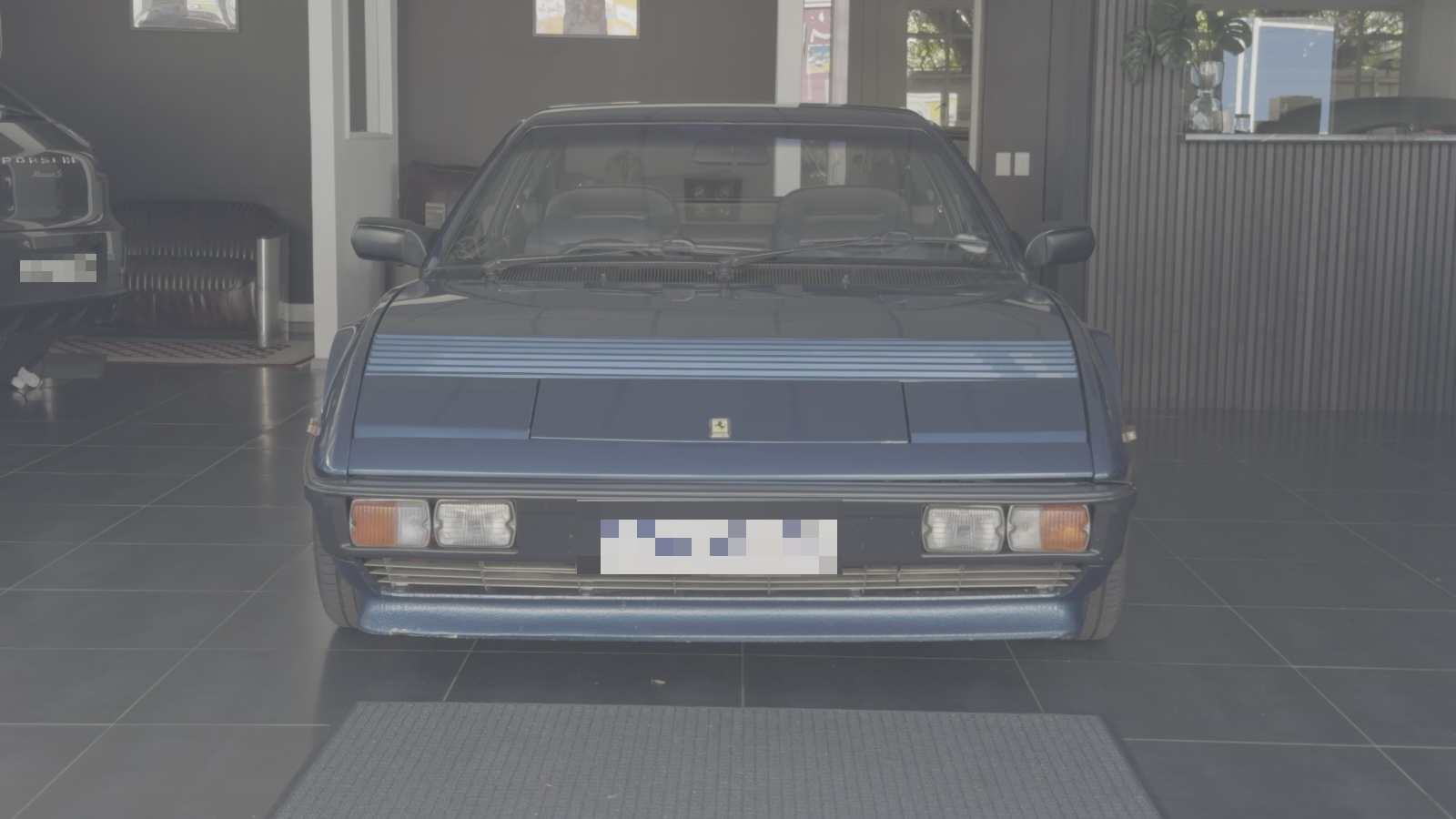
Apple Log frame, ungraded The same frame with Golden02 applied
00:00:2100:00:34

LUT · Golden02

000 %
None KodakGo… Golden02 Golden03 Manage ›


LUT LIGHT COLOR HSL DETAIL GRAIN
000 %

Intensity · drag

Why

Log looks wrong until it's developed.

Log is a negative. Flat, grey, low contrast on purpose, so the sensor keeps every stop. LutKit is the print.

Boats on a slipway, straight off the camera in Apple Log
As shot
The same frame after Kodak 2383 at 72 per cent
Kodak 2383 · 72
As shotGraded

Wipe

Before and after.

Five clips, shot in Apple Log on an iPhone and graded in LutKit. Left of the line is the file the camera saved. Right of it is the export. Drag the line.

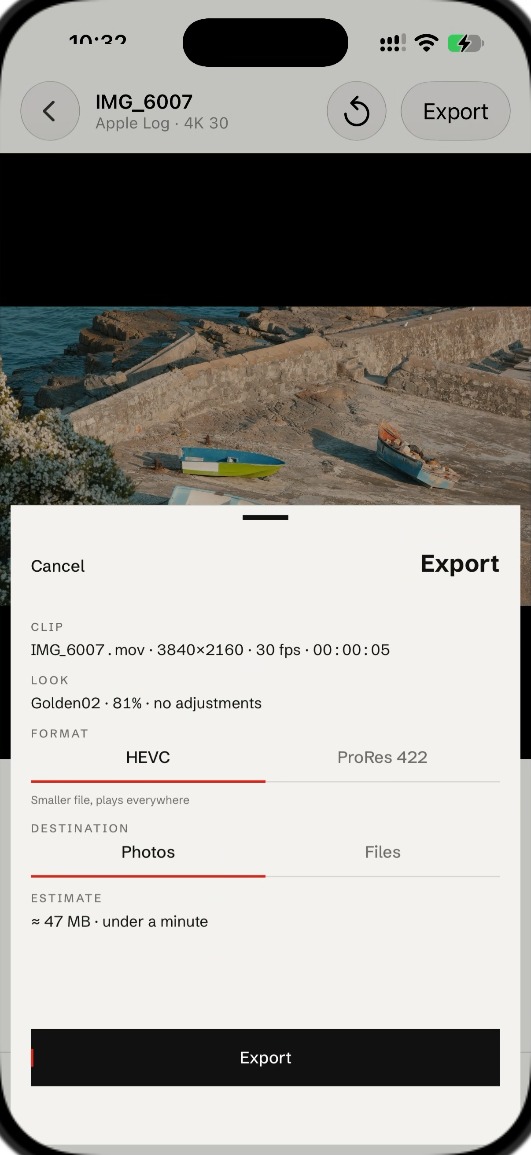
Export sheet over an Apple Log 4K clip: HEVC or ProRes 422, to Photos or Files

Channel

Built for Apple Log and Apple Log 2.

LutKit reads the transfer function off the clip itself. It converts with Apple's curve, then applies your .cube in Rec.709, the way the LUT was meant to be applied. Write it back as HEVC or ProRes 422.

Apple Log Apple Log 2 17³ 33³ 65³ cubes

Batch

Shoot all day. Grade once.

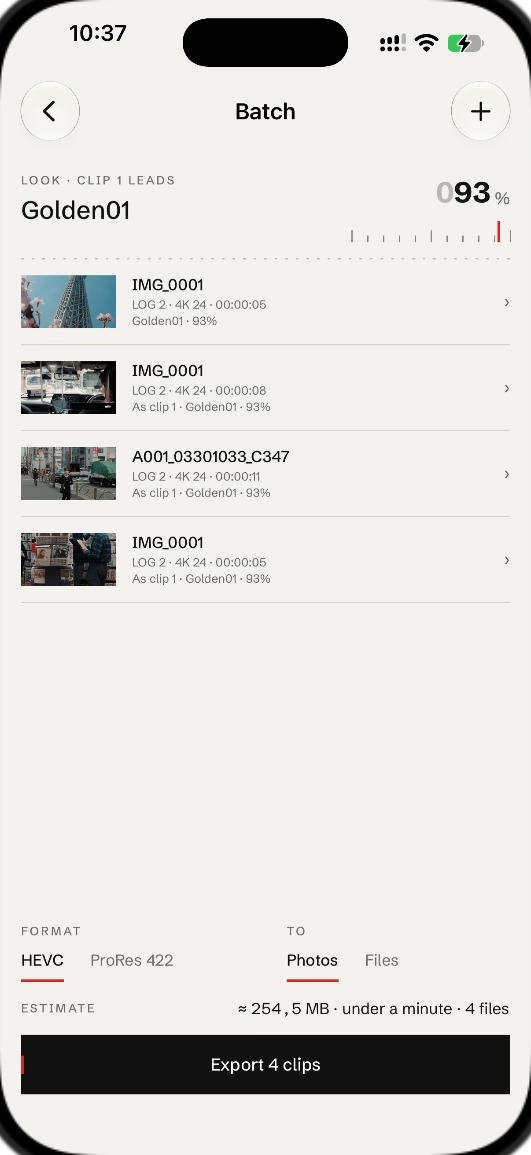
Clip 1 sets the look. Every clip after it follows, until you say otherwise. Export the lot to Photos or Files while you make coffee.

Per-clip overrides HEVC · ProRes 422 Photos · Files
Batch: four clips following clip 1’s look, Golden01 at 93 per cent
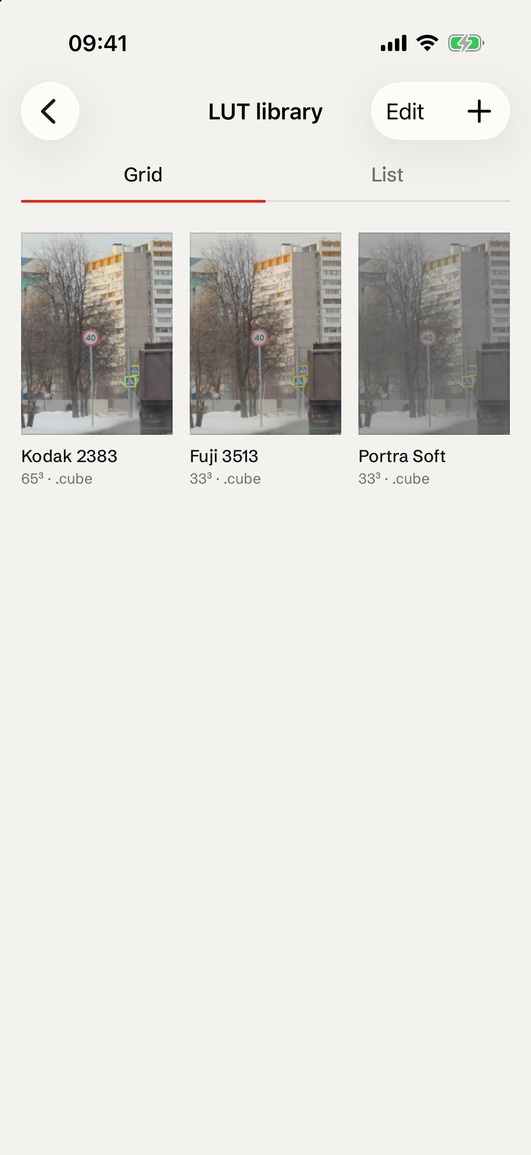
LUT library in grid view: Kodak 2383, Fuji 3513, Portra Soft

Library

Your LUTs. Your packs.

Import .cube files from Files, AirDrop or a pack you bought. Name them, group them, keep them on the phone. Nothing uploads.

Import .cube Group into packs Nothing leaves the device

Index

Get LutKit.

On TestFlight now. App Store soon. Free while in beta, one purchase after. iPhone and Mac.

LutKit · © 2026 hloo Start here · Beta